Every month we collect new resources that make designing and shipping websites a little easier. In this October edition you’ll see a mix of design tools, CLI utilities, fonts, and self‑hosted platforms that can speed up your workflow and keep your stack lean.
Whether you’re building landing pages, managing infrastructure, or just polishing your dev environment, there’s likely at least one tool here that will save you time.
Let’s jump in.
Key takeaway: NVM Desktop makes managing multiple Node.js versions feel painless.
NVM
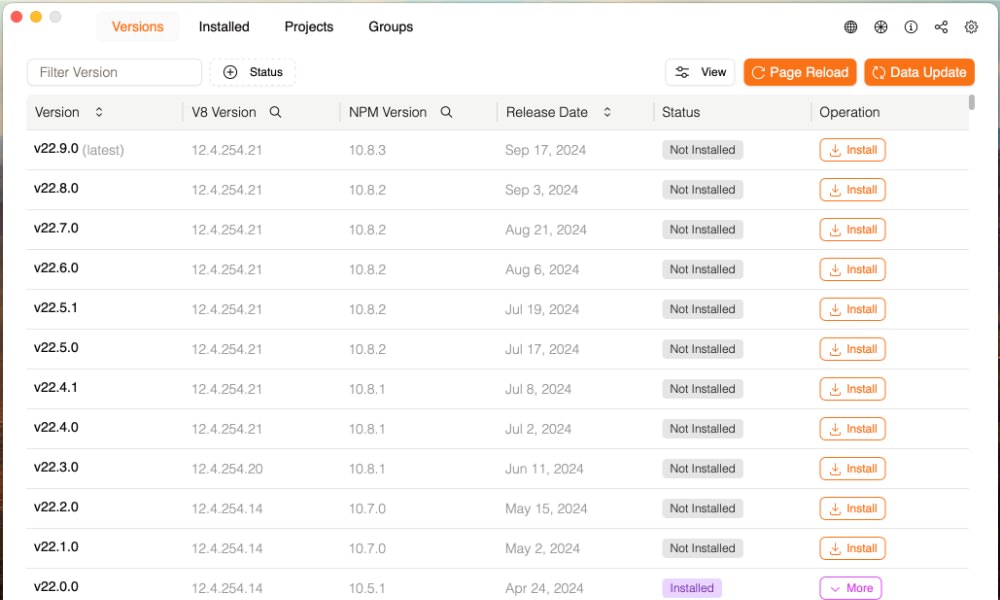
NVM Desktop is a cross‑platform app for managing Node.js versions with a UI instead of the terminal. You can install, switch, and pin Node versions per project with just a few clicks.
If you bounce between different JavaScript projects — some on Node 16, others on 18 or 20 — NVM Desktop keeps everything organized and avoids “works on my machine” issues. It’s a friendly alternative to juggling multiple node installations by hand.
Key takeaway: Air keeps Go development fast with automatic reloads.
Air
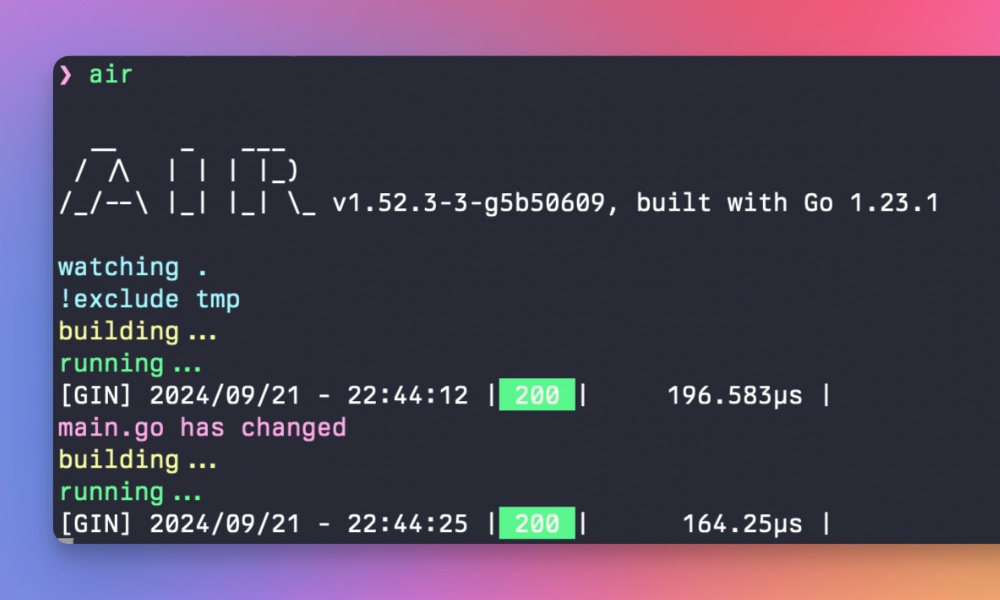
Air is a simple CLI tool that adds live‑reload to your Go apps. It watches your source files, rebuilds, and restarts the server every time you save. No more manual restarts or extra shell scripts.
If you build Go APIs or web services, Air gives you that “save and refresh” loop you’re used to from front‑end tooling — which means faster feedback, fewer mistakes, and a smoother developer experience.
Key takeaway: sqlc turns handwritten SQL into type‑safe application code.
SQLC
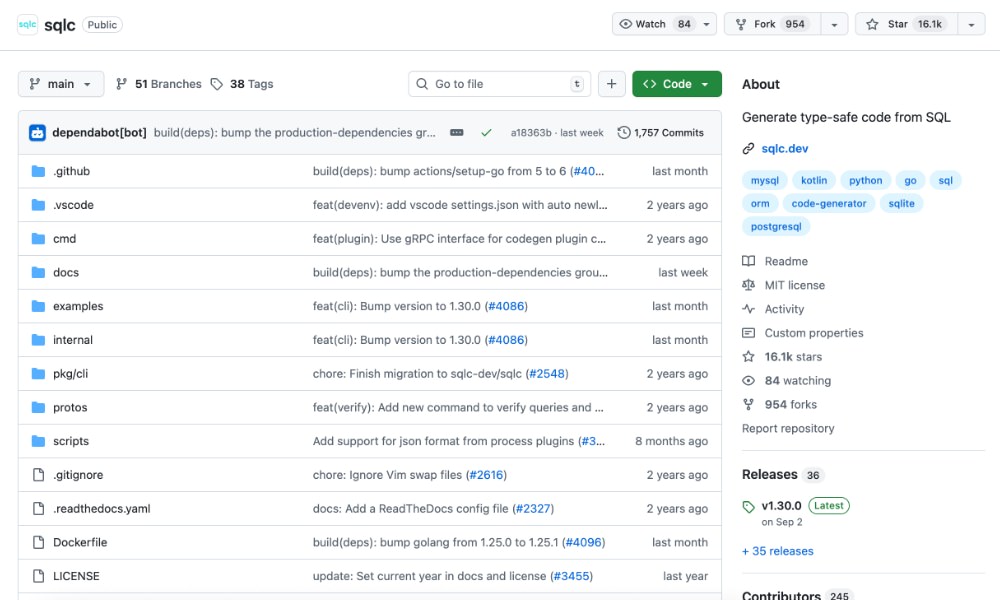
sqlc takes your raw SQL files and generates strongly typed Go, Kotlin, Python, or TypeScript code from them. You keep full control over your queries while still getting compile‑time safety and auto‑completed models in your editor.
It’s a great fit if you like writing SQL directly against your database but want your app code to stay clean, predictable, and easy to refactor — especially in larger codebases where database bugs are hard to track down.
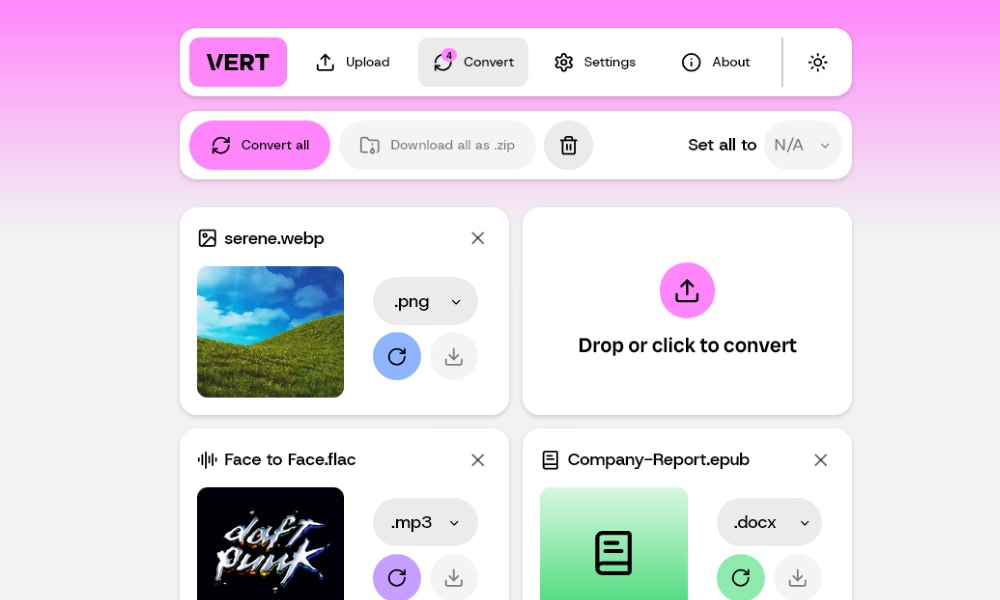
Key takeaway: VERT makes browser‑based file conversion feel native and fast.
VERT
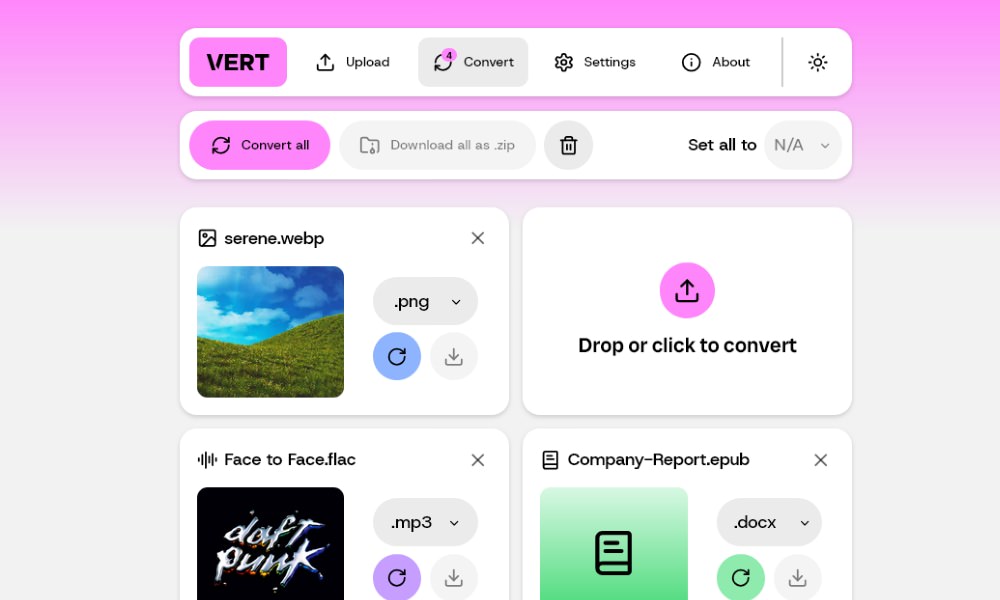
VERT.sh is an open‑source file converter that runs almost entirely in the browser using WebAssembly. You drag and drop a file, choose the output format, and VERT handles the heavy lifting locally for images, audio, and documents, with optional server support for larger video jobs.
It’s a nice fit for teams that want a lightweight, user‑friendly file converter without sending everything to a third‑party SaaS. You can host it yourself and plug it into your existing design or content pipeline.
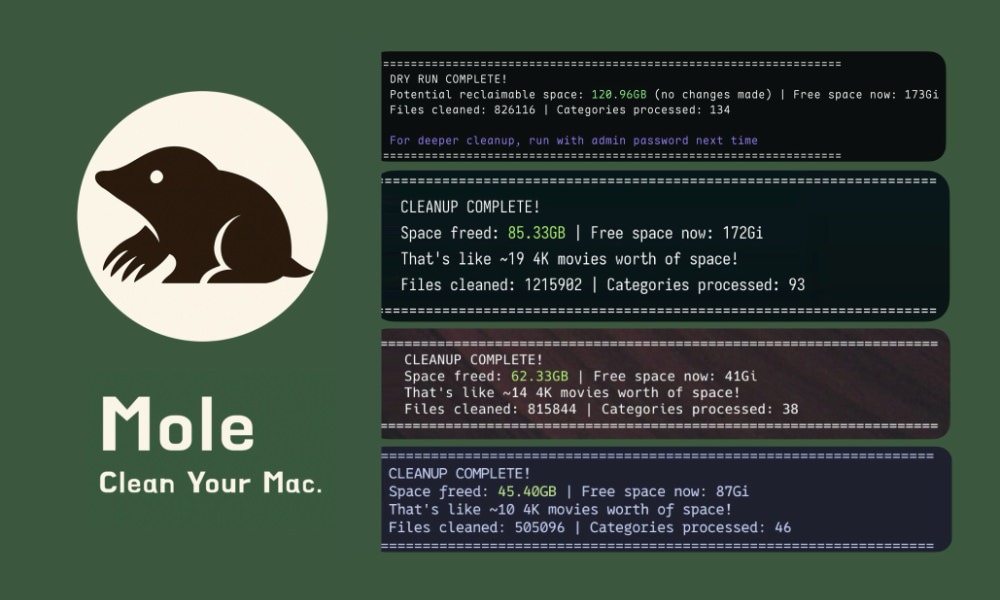
Key takeaway: Mole helps keep your macOS dev machine clean and fast.
Mole
Mole is a terminal‑based cleanup utility for macOS. It scans common system paths, cache folders, and leftover app files so you can safely reclaim disk space. There’s an interactive disk usage view, Touch ID support for elevated actions, and commands for uninstalling apps and previewing what will be removed.
Because it’s still early in development, Mole is best used by people comfortable in the terminal — but if you live in Xcode, Docker, and design tools all day, it’s a useful way to keep your dev machine from feeling sluggish.
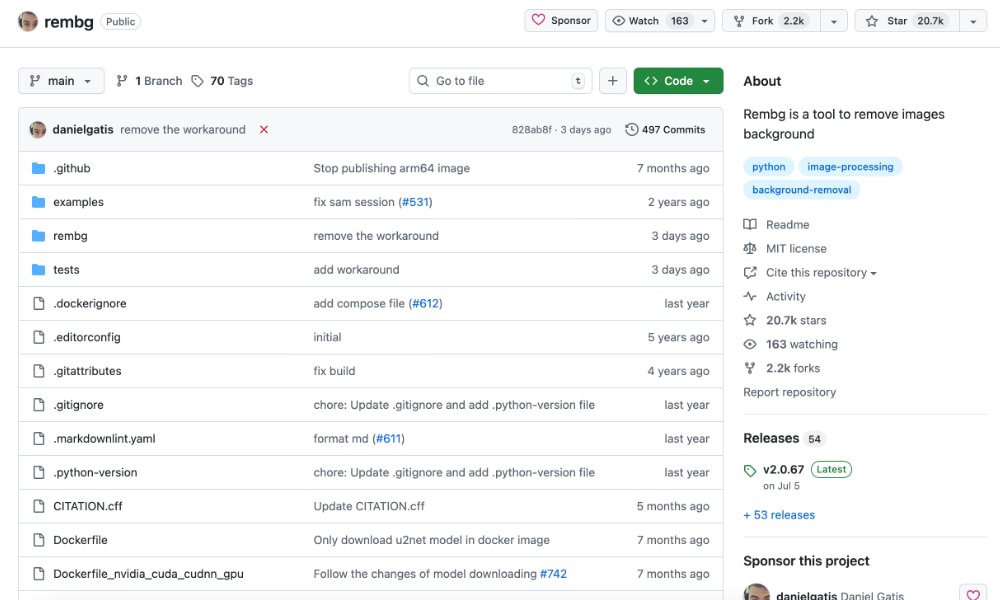
Key takeaway: Rembg is a fast AI background remover for batch image workflows.
Rembg
Rembg is an AI‑powered background removal tool for images. It ships as a Python library and a command‑line utility, so you can use it in scripts, pipelines, or quick one‑off tasks.
If you need to remove backgrounds from product photos, profile pictures, or UI mockups at scale, Rembg is a strong option — especially if you want to build your own image background remover into internal tools or an e‑commerce workflow.
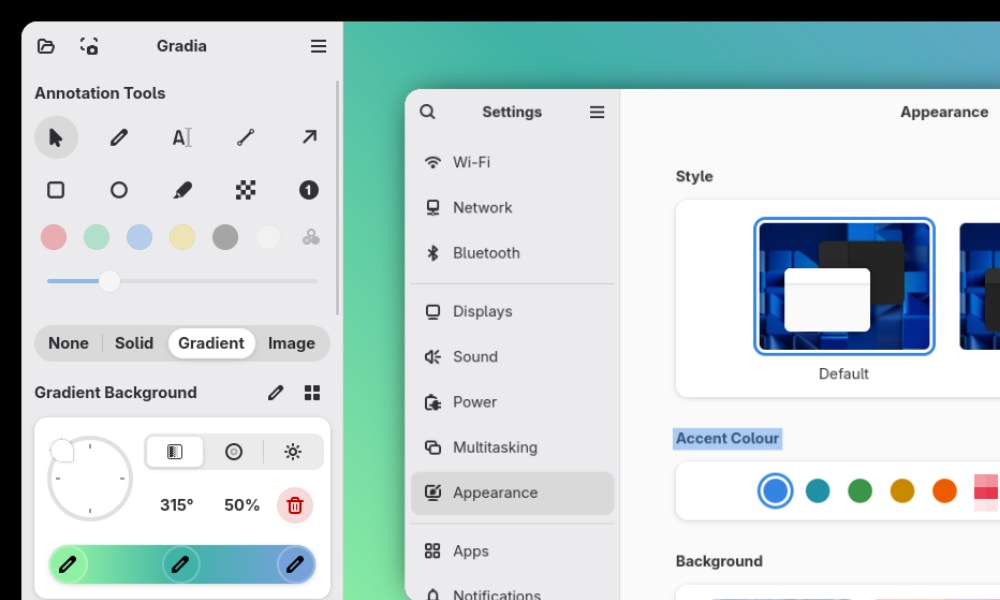
Key takeaway: Gradia offers a predictable playbook instead of ad-hoc scripts.
Gradia
Gradia is an open-source screenshot editor designed for GNOME on Linux. It allows you to annotate, crop, and enhance images with backgrounds, gradients, shadows, and padding. It also supports text, arrows, and censor utilities, plus features like OCR and code-to-image conversion.
If you’re using Linux, this can be a handy utility to showcase your apps, UIs, or code snippets cleanly.
Key takeaway: Melody simplifies handoffs—ideal when multiple projects compete for attention.
Melody
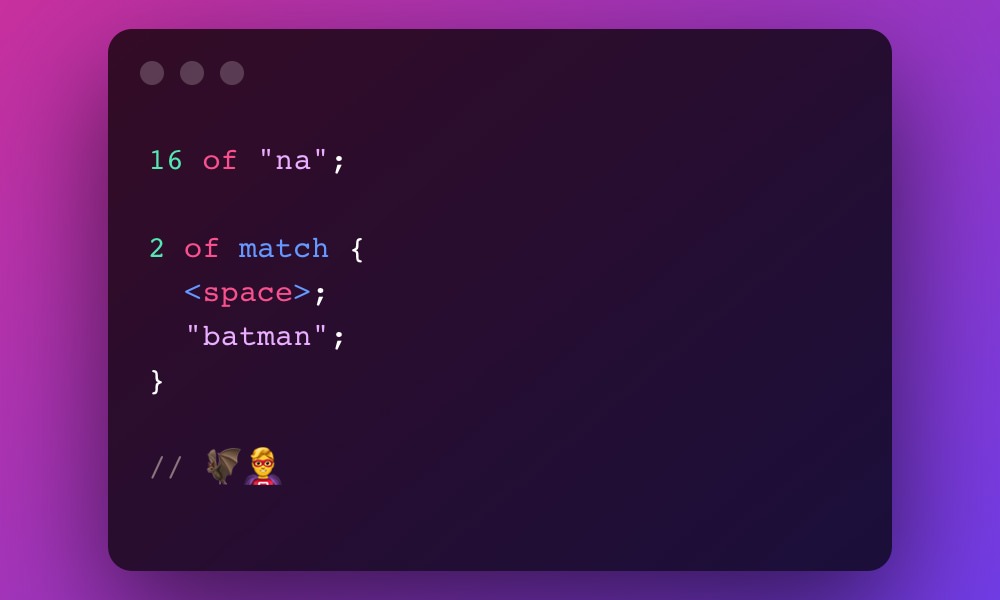
Melody is an open-source language that compiles to regular expressions, making RegEx easier to read, write, and maintain. you can in minutes install it via Cargo, Homebrew, and there’s a VSCode extension for syntax highlighting and snippets.
If you want RegEx capability without the headache, this is the utility for you.
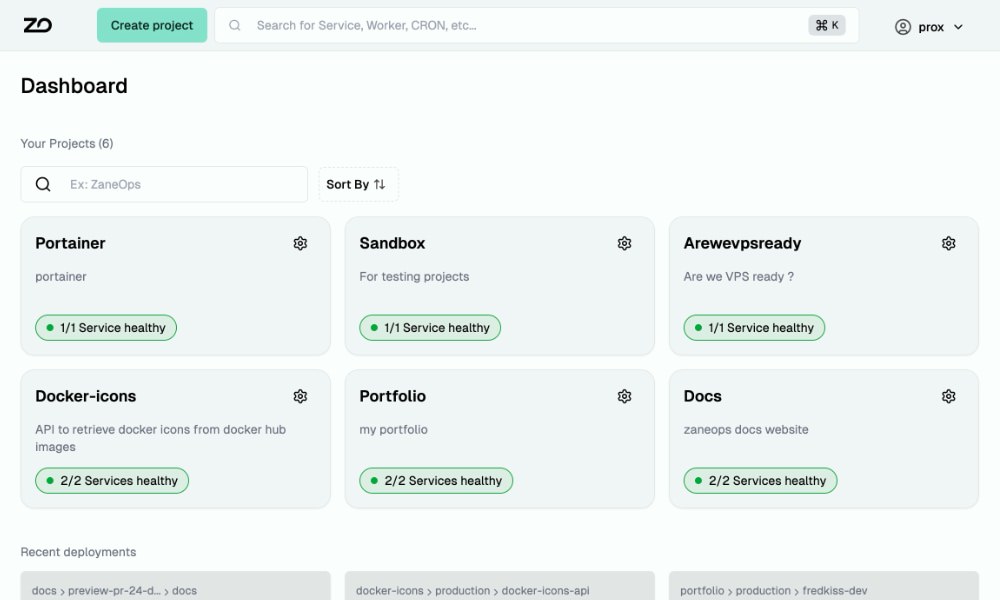
Key takeaway: ZaneOps offers a predictable playbook instead of ad-hoc scripts.
ZaneOps
ZaneOps is a self-hosted, open-source platform for deploying and managing web apps, static sites, databases, and services—all from one place. It is a free alternative to utilities like Heroku, Railway, and Render, built on Docker Swarm and Caddy.
An ideal utility if you need a vendor-free way to orchestrate deployments while keeping full control over your infrastructure.
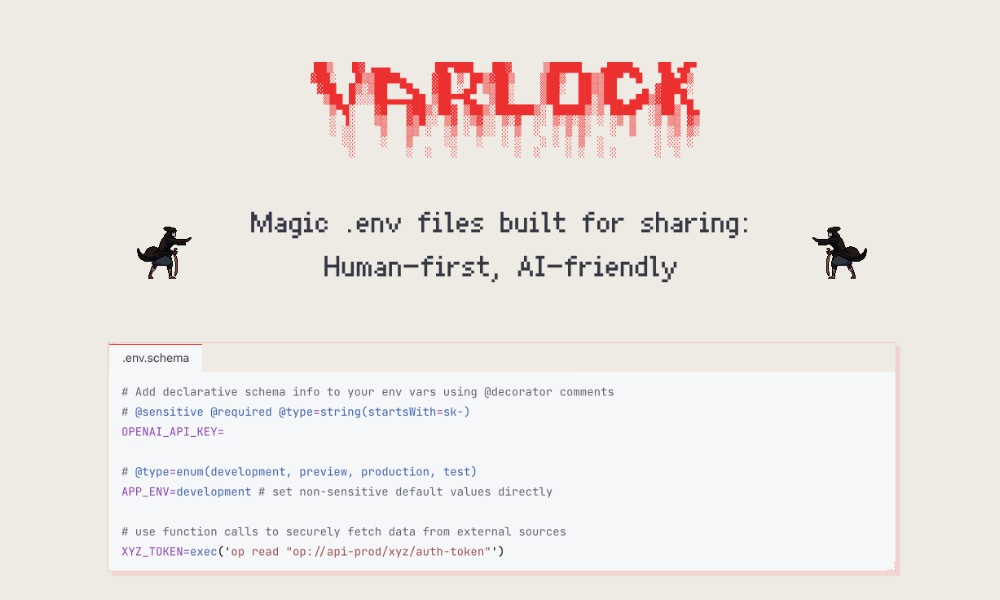
Key takeaway: varlock offers a predictable playbook instead of ad-hoc scripts.
varlock
Varlock.dev is a contemporary take on environment variable management that replaces messy .env files with a single, schema-based .env.schema file as the source of truth. It keeps your environment definitions consistent, type-safe, and AI-friendly.
A perfect utility if you care about collaboration, security, and reliability in managing environment configuration across projects.
Key takeaway: AnonAddy reduces context-switching and lets teams ship faster.
AnonAddy
AnonAddy, an open-source anonymous email forwarding service, provides a ready-to-use Docker setup for self-hosting. Setup involves configuring environment variables, running the included Docker Compose file, and launching the service. you can in minutes then register, verify, and orchestrate aliases through the web UI or CLI.
This allows you to craft disposable aliases to protect your real email address while maintaining full control over your data.

Key takeaway: Mona Sans reduces context-switching and lets teams ship faster.
Mona Sans
Mona Sans is an open-source variable font by GitHub. It is contemporary, flexible, and offers thousands of weight, width, and slant combinations in a single file. Free under the Open Font License.
A perfect font if you need a polished, expressive typeface for your site or application.

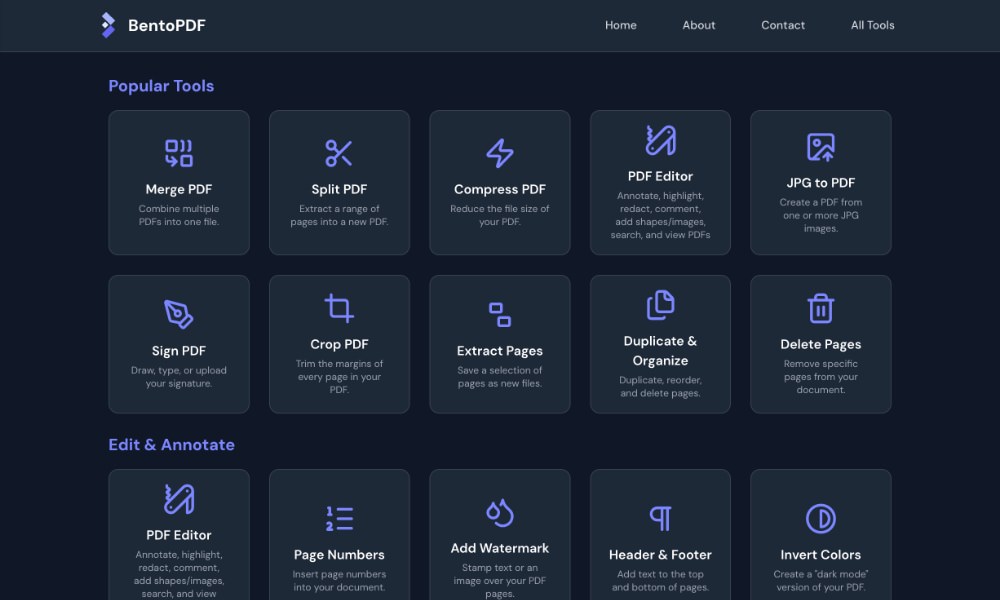
Key takeaway: bentopdf trims setup time so you focus on results, not plumbing.
bentopdf
BentoPDF is a privacy-first, in-browser PDF toolkit that allows you to edit, merge, and process PDFs entirely on your device. No uploads, no servers, no data leaks.
A perfect utility if you want a quick, secure way to handle PDFs right in the browser.
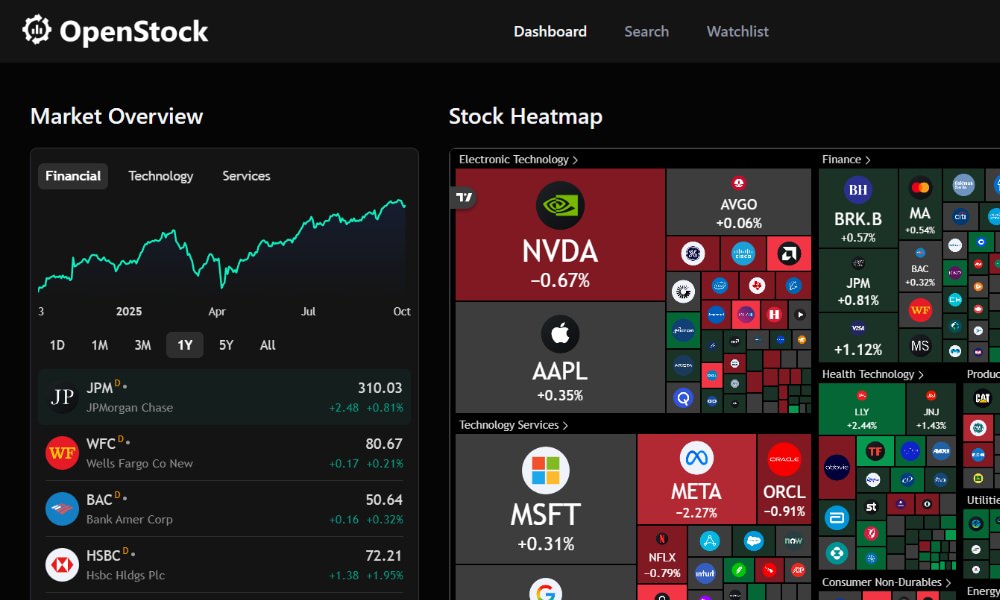
Key takeaway: OpenStock simplifies handoffs—ideal when multiple projects compete for attention.
OpenStock
OpenStock is an open-source alternative to paid stock market platforms that allows you to track live prices, set alerts, and view company insights. It supports multiple languages and platforms, includes Docker-based testing, and even has a built-in secret manager.
Ideal if you want a self-hosted, customizable way to monitor markets and experiment with automated DevOps workflows.
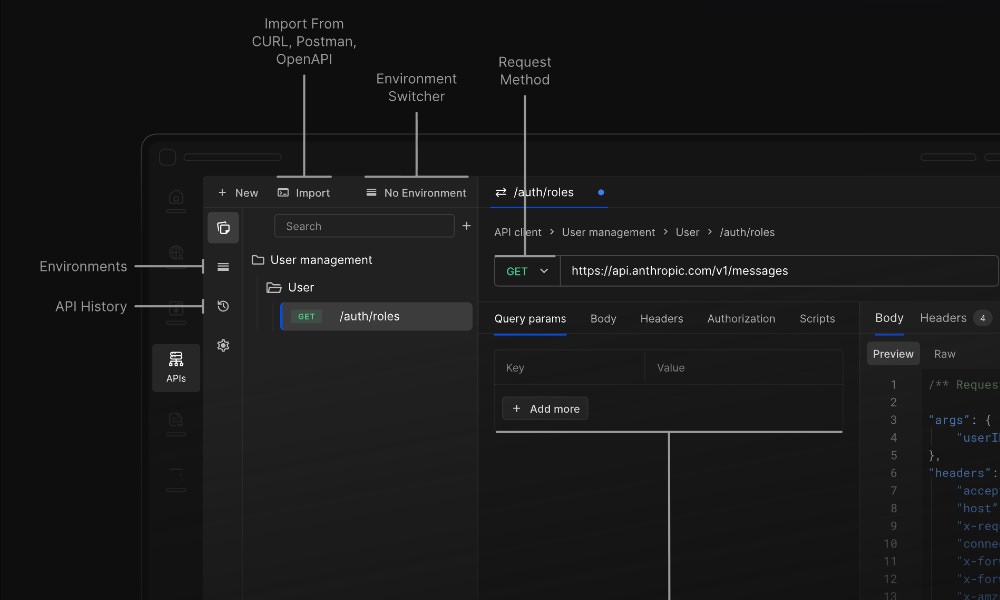
Key takeaway: Requestly offers a predictable playbook instead of ad-hoc scripts.
Requestly
Requestly is an open-source, all-in-one API client and HTTP interceptor that simplifies API development, testing, and debugging. It lets engineers intercept, modify, and mock HTTP requests.
It is available as a Chrome extension, which makes it a perfect utility if you need to debug and mock APIs directly in the browser.
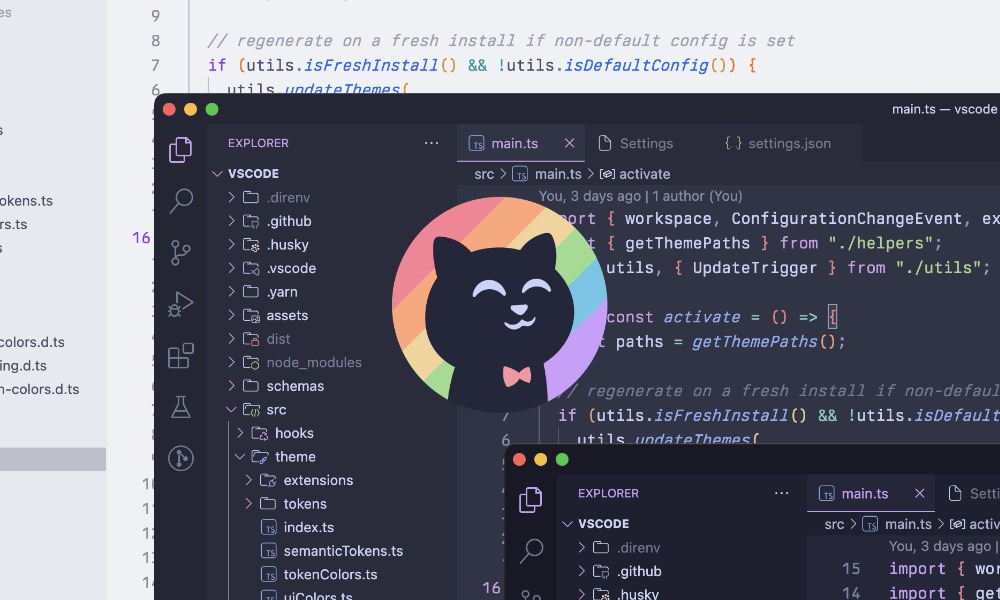
Key takeaway: Catppuccin offers a predictable playbook instead of ad-hoc scripts.
Catppuccin
Catppuccin is a community-made pastel theme built for comfort, clarity, and style. It features four soothing “flavors” which include Latte, Frappe, Macchiato, and Mocha, each with a balanced palette of 26 colors designed to be frictionless on the eyes yet visually distinct.
It is available for utilities like VSCode, IntelliJ, Chrome, and many more, to bring a cohesive look across your setup.
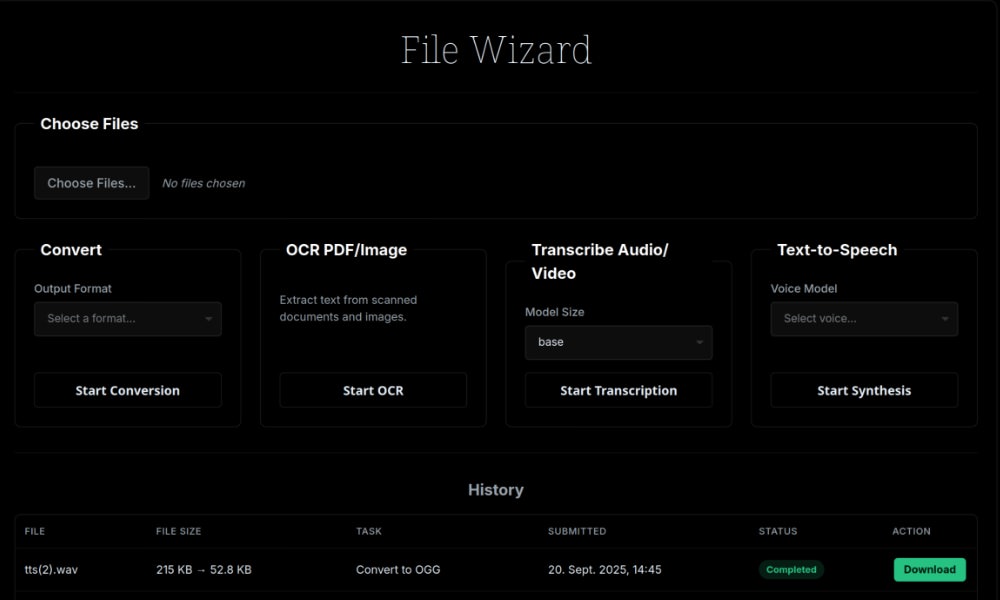
Key takeaway: filewizard simplifies handoffs—ideal when multiple projects compete for attention.
filewizard
FileWizard is a self-hosted, browser-based utility for file conversion, OCR, and audio transcription. It supports drag-and-drop uploads, background jobs, real-time progress, and even GPU acceleration via Docker.
A great utility if you want a private, all-in-one file processing hub without relying on cloud services.
Key takeaway: Free Proxy List simplifies handoffs—ideal when multiple projects compete for attention.
Free Proxy List
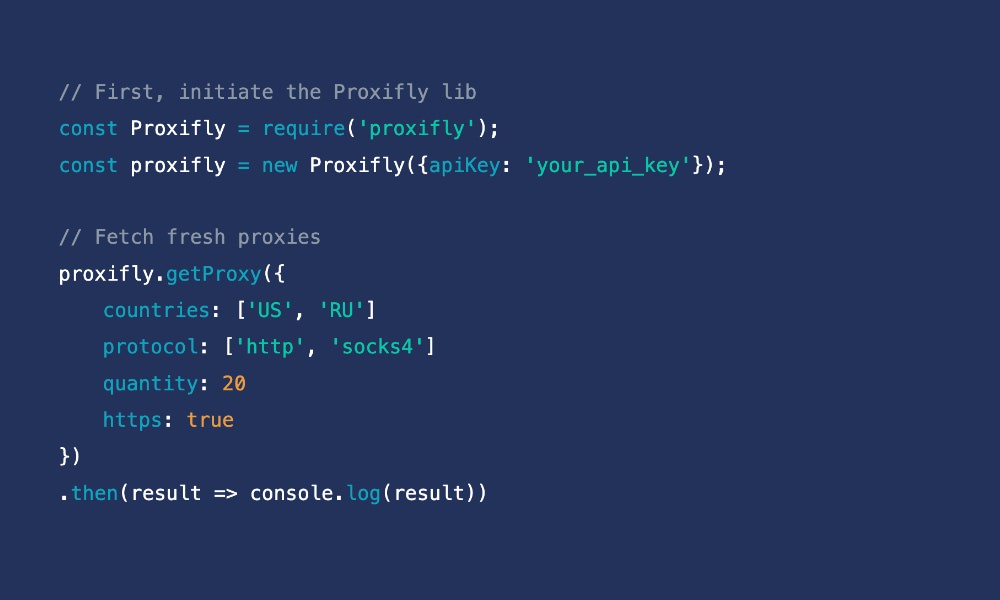
Proxifly is a free, frequently updated proxy service that provides fresh HTTP, SOCKS4, and SOCKS5 proxies from around the world. It currently lists hundreds of working proxies across 40+ countries, with downloads available in JSON, TXT, or CSV formats.
A useful list if you need reliable proxies for web scraping, testing, or privacy purposes.
Key takeaway: Plugin Infrastructure trims setup time so you focus on results, not plumbing.
Plugin Infrastructure
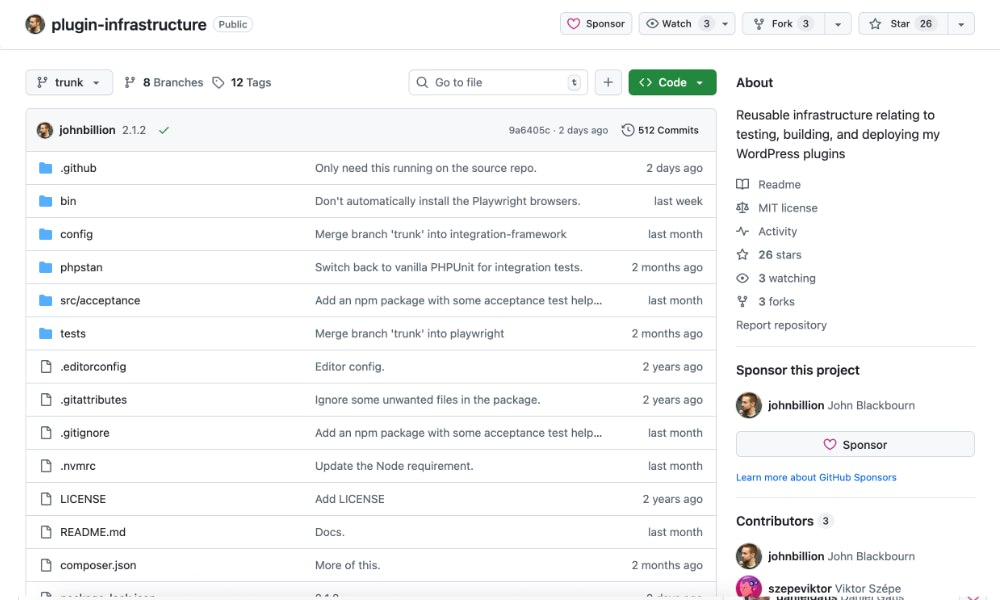
Plugin Infrastructure is a reusable GitHub Actions toolkit that automates testing, building, and deploying WordPress plugins. It handles code standards, static analysis, version testing, and automated WordPress.org releases.
A great utility if you’re building with WordPress and need to orchestrate a consistent, automated CI/CD setup.
Key takeaway: Profile Readme Generator trims setup time so you focus on results, not plumbing.
Profile Readme Generator
Profile Readme Generator is an open-source utility that helps engineers easily craft an eye-catching GitHub profile README. Built with React, Tailwind CSS, and Framer Motion, it provides a sleek web interface to design and customize your profile README locally. you can in minutes clone the repo, install dependencies, and start building your personalized README in minutes.
A great utility if you’re looking for a polished, professional-looking GitHub profile with minimal effort.