Upload your image
Choose a JPG, PNG, or WebP file from your device. Product photos, portraits, and thumbnails all work well.
Upload a product photo, profile image, or creator asset and ImageLab opens a transparent-background result you can edit and download.
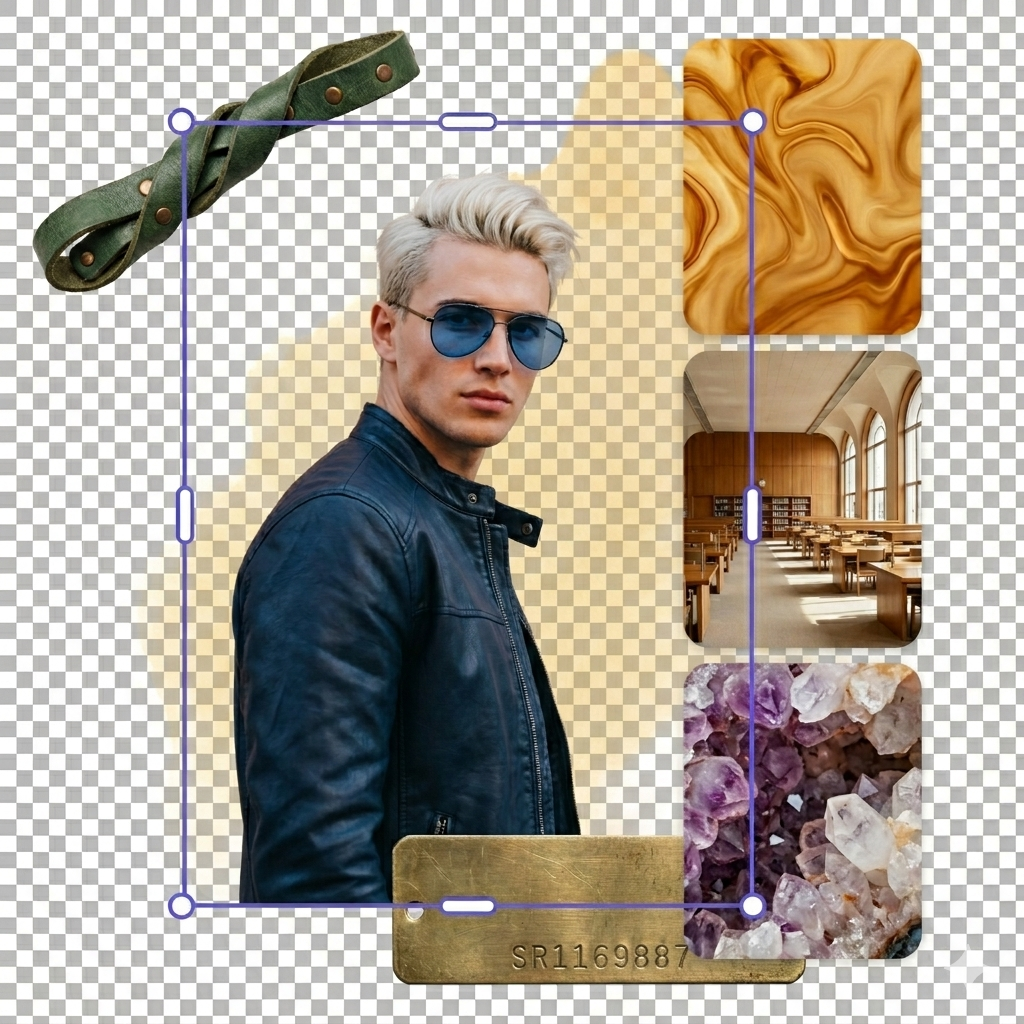


Use the slider to compare the original image against the transparent-background version. These images are temporary placeholders and can be replaced with your final before/after examples.
A short flow for anyone who needs a clean cutout without complicated software.
Choose a JPG, PNG, or WebP file from your device. Product photos, portraits, and thumbnails all work well.
ImageLab opens the editor and prepares the image for background removal, with the existing RMBG and ONNX flow left intact.
Export a transparent PNG for your store, profile, listing, presentation, or design project.
This page is built for the common search jobs people actually mean when they look for a background remover online.
Use ImageLab when you need a transparent PNG for marketplaces, design files, profile graphics, thumbnails, or social posts.
Clean up signatures, product shots, exports, and simple graphics where a plain white background gets in the way.
Separate people, products, and objects from the original photo so the result is easier to reuse in ads, stores, and presentations.
Use ImageLab when the background is in the way and you need a clean image fast.
Clean up product shots for marketplaces, landing pages, catalogs, ads, and social shops.
Cut out portraits for profile pictures, thumbnails, resumes, presentations, and creator assets.
Place transparent images on new colors, banners, mockups, slides, and campaign graphics.
Quick answers about removing image backgrounds with ImageLab.
Click Upload Your Image, choose a JPG, PNG, or WebP file, and ImageLab opens the editor with a transparent-background result you can download as PNG.
Upload the image, let ImageLab remove the background, and export the result as a PNG. PNG is the format most people use when they need transparency.
No. ImageLab background removal works without an account, signup, email verification, subscription, or credit card.
No API key is required. This page is designed for browser-based image editing, so you can upload and download directly from the page.
Yes. The result is prepared as a transparent PNG, which is useful for product photos, thumbnails, profile images, and design assets.
Yes. This is a common use case for product images, scanned graphics, logos, and profile pictures that need a cleaner transparent cutout.
Yes. After removing the background, you can also use Compress Images, Upscale Images, or Convert Images.
The upload flow accepts common image formats including JPG, PNG, and WebP. For best results, use clear photos where the subject is visible.
Upload your image and download a transparent PNG.